 CCS Plus Consulting Team
When choosing a system, many salon owners ask only one question: is billing fast and convenient? It's a fair question, but if it's the only one you ask, you may end up with a "billing machine" instead of a management system that protects your business.
1. A POS and a management system are fundamentally different things
A billing system (POS) only cares about getting the bill out. What matters most is speed, ease and fewer taps.
A management system is about running the business well. What matters most is where every ringgit comes from, why it was charged that way, and who decided.
Both can issue bills, but they start from opposite goals: one wants convenience, the other wants control.
2. The classic example: can staff change prices directly?
To make billing faster, many POS systems let staff edit the price directly at checkout. An RM380 treatment becomes RM280, one tap to confirm, done.
If your system is that "flexible", that isn't convenience. It's a disaster:
- You don't know who decided to collect RM100 less
- You don't know if it was for a regular customer, a promotion, or a staff member's personal favour
- At month-end you only see sales went down, but you can't find where the leak is
A system where prices can be changed freely is like handing the cash drawer key to every staff member.
3. How a management system does it: no price changes, only discounts, and every discount needs a reason
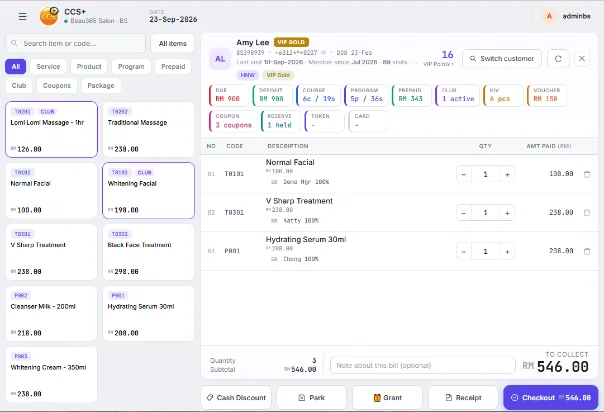
In a management system, prices are fixed and staff can't change them. To sell for less, they must bill with a "discount". The moment a discount is applied, the system asks:
- Why the discount? Staff must select or enter a reason, such as member offer, package promotion or complaint compensation.
- Who approved it? Discounts beyond a staff member's limit need the manager's PIN to go through.
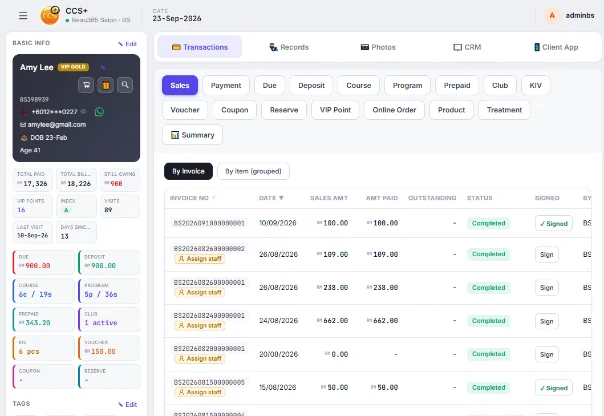
- Traceable afterwards. Every discount is recorded: which day, which staff member, what reason, who approved.

This way, every discount has a reason and someone responsible for it.
| Situation | Billing system | Management system |
|---|---|---|
| Staff want to sell cheaper | Change the price directly | Can only bill with a discount |
| Discount reason | Not needed | Required |
| Discount beyond limit | Staff decide | Manager PIN approval |
| Month-end checks | Can't trace | Every discount recorded |
4. This bit of "inconvenience" protects your company's future
A management system looks like more hassle: choose a reason, wait for the manager to approve. But that small "inconvenience" tells staff that every bill is being watched, and lets the owner relax even when away from the outlet.
With one outlet and no plans to expand, a billing system may be enough. The owner is there every day and sees everything.
But if you want to open more outlets and build a healthy long-term business, I strongly recommend a management system. The more outlets you have, the less you can watch every bill yourself, so the rules have to live inside the system.
Conclusion: do it right from the start and you'll go further
If your budget allows, a good management system is worth the investment. A system isn't just for billing. It holds your company's rules and bottom line. Choose the right system and the right direction from the start, and your outlets will grow steadily and go further.
Want to see how CCS Plus discount reasons and manager approval work? Book a 30-minute Demo and we'll walk through your real workflow.