 CCS Plus Consulting Team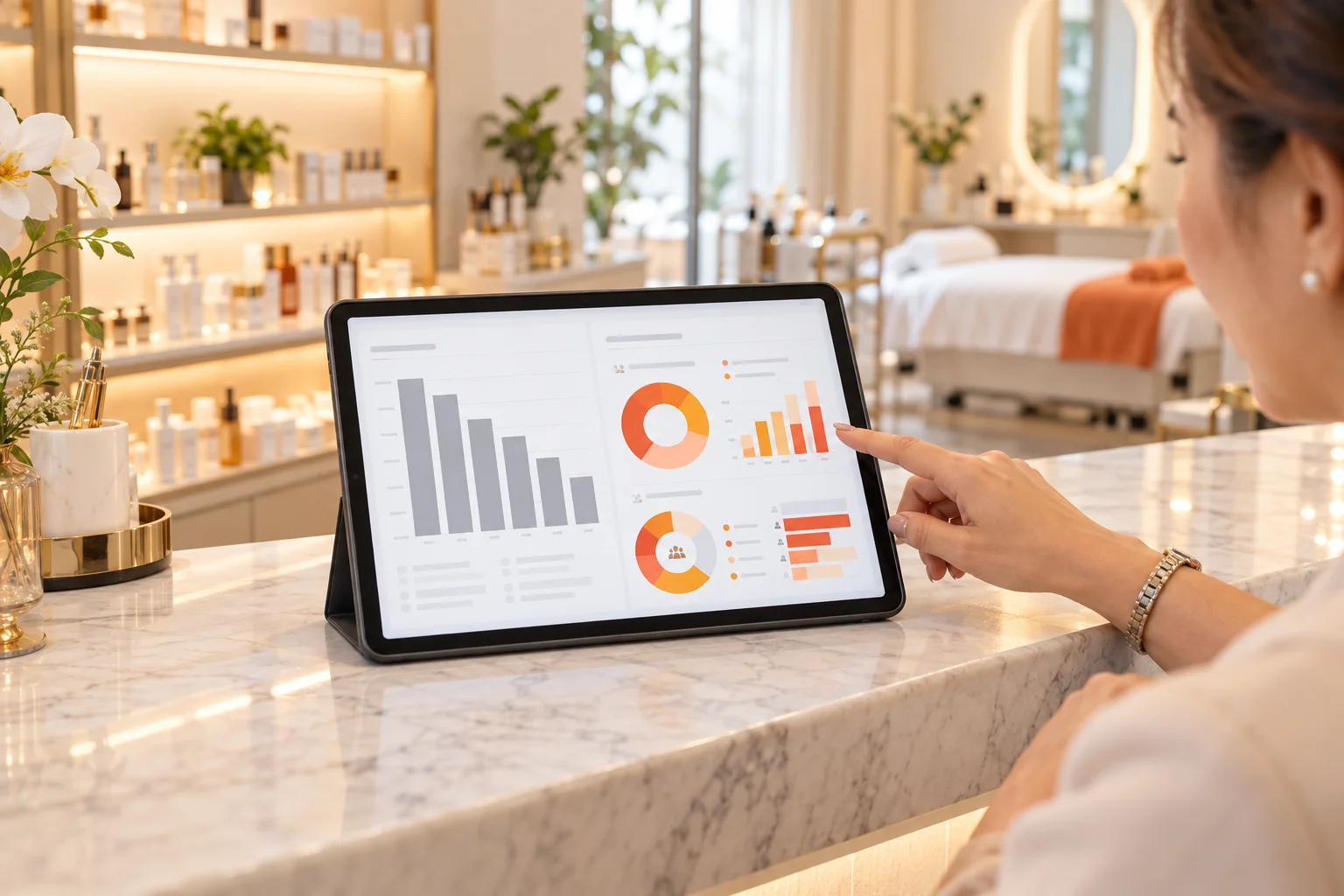
At month-end you open your report. The system says: "Hydrating Facial" sold 40 times this month, "Firming Treatment" only 5.
OK, so what now? You know what sells and what doesn't, but the report doesn't tell you what to do next month. That is the biggest difference between a basic system and a good one.
1. A basic system tells you What: what sells and what doesn't
Reports from a basic system are mostly sales rankings and revenue: what sold most, what sold least, and whether this month beat last month.
Those numbers are useful, but after reading them all you can say is "Oh, I see." It tells you what happened (What), but not why, and certainly not what to do next.
2. A good system tells you Why: why it sells, who is buying, why it doesn't sell
Looking at the same two treatments, a good system lets you break the numbers down. For example:
- Why does the Hydrating Facial sell well? Most buyers are new customers aged 25–35, many referred by friends, and a high share buy a package after their first trial.
- Why doesn't the Firming Treatment sell? Customers aged 46 and above buy it, but customers aged 25–35 almost never do. Plenty of people try it, but few end up buying.
- Who is selling it? You can also see which staff member sells it best and who has barely sold it at all.
See? From the same revenue figure, a good system shows you who is buying, which age groups aren't, and why it isn't selling (Why).
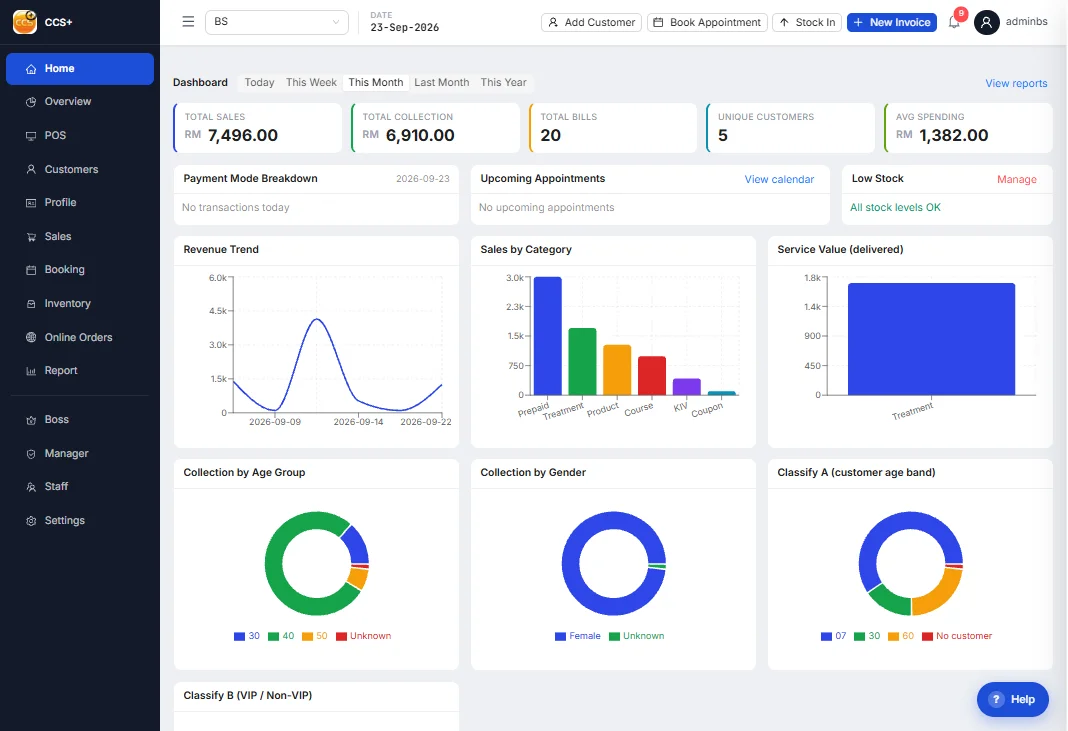
3. Knowing Why tells you How: what to do next
Once you know the reasons, the next steps are clear:
- Hydrating Facial: the core buyers are new customers aged 25–35, so create an entry package for them and add a referral reward.
- Firming Treatment: younger customers don't buy it, so stop wasting effort pushing it to them. Use customer tags to pick customers aged 46 and above, and send the message only to them.
- Many trials, few sales: the problem may be the price, or how staff present it. Find the staff member with the highest closing rate and have her share her approach with the team.
| What the owner wants to know | Basic system | Good system |
|---|---|---|
| What sells | Sales ranking | Ranking, plus who buys, their age, new or regular |
| Why it doesn't sell | Can't tell | Which age groups don't buy, how many trials, how many sales |
| Who sells best | Work it out yourself | Each staff member's sales and closing at a glance |
| What to do next | Guess | Use tags to reach the right customers with the right treatment |
A basic system tells you What. A good system tells you Why and How.
4. Can a good system increase your sales?
Think about it: the same ad budget, sent to every customer, versus sent only to the people likely to buy. The same staff, pushing everything, versus knowing what to offer to whom.
Which one closes more easily? The answer is obvious. A good system won't sell for you, but it makes sure every step you take lands in the right place.
Conclusion: if you're going to use one, use the best management system
A system isn't only for billing. CCS Plus can generate 1,000 kinds of reports, breaking down revenue, packages, customers, staff and inventory from every angle, so nothing in your business goes unseen.
Want to see what your outlet's data looks like broken down? Book a 30-minute Demo and we'll show you using your real situation.